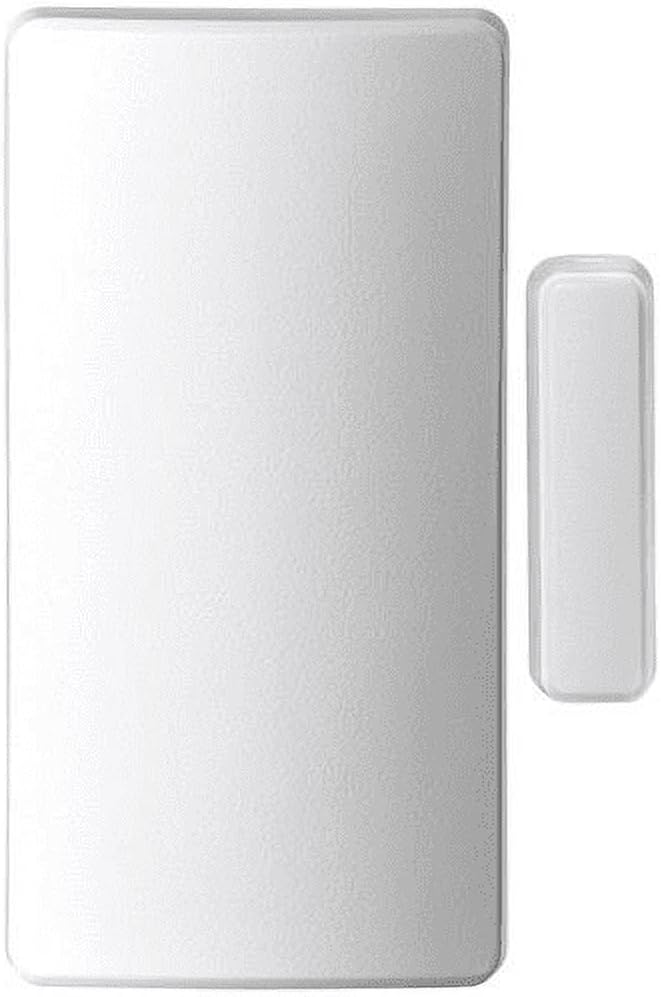
A door or window contact sensor is one of the simplest ideas in home security: two small pieces — a magnet and a switch — that sit on opposite sides of a door or window frame. When the door opens, the magnet moves away from the switch, the circuit breaks, and something happens: a local beeper screams, or your alarm panel logs a zone fault, or your phone buzzes. That’s the whole concept. What varies enormously is what happens next, how reliably it happens, how well it plays with the rest of your system, and how much installation headache it costs you. This guide walks through every tier, from a $10 battery-powered standalone you can stick on a rental apartment door tonight, all the way to hardwired, supervised, panel-integrated sensors that form the backbone of a commercial-grade residential system. By the end, you’ll know which tier fits your project and exactly what you’re trading away when you go cheaper — or what you’re paying for when you go pro.
The Three Tiers, Plainly Stated
Before diving into specs, it helps to line up the market segments side by side. These categories aren’t marketing fluff — they represent genuinely different design philosophies.
Tier 1 — Standalone / Self-Contained ($8–$25 per sensor) These are the peel-and-stick alarms sold at hardware stores and big-box retailers. The magnet, the switch, the buzzer, and the battery are all in one housing, or split into two pieces that do nothing except make noise locally. No panel. No app. No monitoring. SafeWise’s 2025 roundup of entry-level door sensors notes that this category is dominated by units using a 105–120 dB piezo siren built into the sensor body itself. They’re genuinely useful for a renter who wants a loud deterrent without drilling or committing to a subscription.
Tier 2 — DIY Wireless Ecosystem ($20–$60 per sensor) SimpliSafe, Ring Alarm, Abode, and Cove all sell contact sensors that communicate wirelessly to a hub or panel using proprietary or open radio protocols. The sensor itself is quiet; the panel does the alarming and the monitoring. This is where most first-time homeowners land, and where the bulk of the consumer review conversation lives. PCMag’s 2025 home security systems guide consistently places Ring Alarm and SimpliSafe sensors in this tier, noting their sub-five-minute installation and app-driven configuration as primary draws.
Tier 3 — Panel-Integrated Sensors for Prosumer and Professional Installs ($15–$80+ per sensor, plus panel overhead) Honeywell (Resideo) 5800-series wireless sensors, DSC PowerSeries Neo PG9 series, Qolsys IQ Panel 4–compatible S-Line sensors, and 2GIG compatible sensors fall here. These communicate over encrypted, supervised wireless links — meaning the panel continuously checks that each sensor is alive and hasn’t been tampered with. Alarm Grid’s product knowledge base draws a sharp line between “unsupervised” DIY sensors and “supervised” professional-grade sensors: a supervised sensor that gets its cover pried off, or whose battery dies, or whose radio link drops, will generate a trouble condition at the panel immediately. An unsupervised sensor just goes silent.
By the Numbers
| Tier | Typical Per-Sensor Cost | Supervision | Encryption | Avg. Battery Life |
|---|---|---|---|---|
| Standalone / self-contained | $8–$25 | None | None | 1–2 years |
| DIY wireless ecosystem | $20–$60 | Partial / varies | Varies by brand | 2–4 years |
| Pro panel-integrated wireless | $15–$80 | Yes (UL-listed) | AES-128 standard | 3–7 years |
| Hardwired (resistor-supervised) | $4–$15 (sensor only) | Yes | N/A (wired) | No battery |
Sources: published manufacturer spec sheets; UL Standard 639 requirements for supervised intrusion detection units; Alarm Grid product knowledge base.
What “Supervision” Actually Means — and Why It Matters More Than Price
This is the tradeoff most buyers underweight. A supervised sensor doesn’t just report “open” or “closed” — it sends a periodic heartbeat signal to the panel. If that heartbeat stops (battery dead, sensor physically removed, RF jamming), the panel flags a trouble condition. Security Info Watch’s 2024 overview of residential wireless sensor technology notes that UL-listed installations for central-station monitoring require supervised sensors — an installer cannot list a system for UL certification using unsupervised devices.
For a renter using a $12 standalone beeper, supervision is irrelevant. For a homeowner paying $40/month for professional monitoring with a UL-listed certificate (which matters for insurance discounts), it is non-negotiable.
The practical implication for your current project:
If you’re speccing a system where the monitoring certificate matters — either for insurance premium reduction or because a property manager or insurer is requiring it — every sensor in the protected zones needs to be supervised. That automatically rules out Tier 1 and most Tier 2 products. Alarm Grid’s documentation on DSC and Qolsys platforms is explicit that sensors must carry the appropriate UL listing for the panel’s listed configuration.
Wireless Protocols: The Compatibility Trap
This deserves its own section because it’s where mid-project installs go sideways. Wireless contact sensors are almost never cross-compatible between ecosystems. The major radio protocols in active use as of mid-2026:
- 345 MHz — Honeywell/Resideo 5800 series, 2GIG sensors, and a broad universe of third-party sensors (Optex, Resolution Products). The Qolsys IQ Panel 4’s 319.5 MHz radio will not natively receive 345 MHz without an adapter or the panel’s PowerG radio.
- 319.5 MHz — DSC legacy sensors.
- PowerG (433 MHz, frequency-hopping) — DSC PowerSeries Neo, Qolsys IQ Panel 4 (with PowerG radio daughtercard), and Alarm.com-connected deployments. AES-128 encrypted, two-way communication, supervised by design. This is the current high-water mark for wireless residential security.
- Proprietary (SimpliSafe, Ring, Abode) — Each ecosystem uses its own protocol. Ring sensors don’t talk to a SimpliSafe hub. Full stop.
- Z-Wave / Zigbee — Used in some smart-home-adjacent sensors (EcoLink, Dome). Compatible with Home Assistant and some Hubitat configurations, but generally not with traditional alarm panels unless you’re bridging via a virtual zone module — a path that works but adds complexity.
The decision rule here is simple: lock in your panel before you buy a single sensor. Buying six 5800-series sensors and then deciding to go Qolsys IQ Panel 4 with PowerG is an expensive lesson. PCMag’s 2025 platform guide and Alarm Grid’s compatibility matrices both flag this as the most common mid-project mismatch they see.
Hardwired Sensors: Still the Right Answer in New Construction
Wireless gets almost all the consumer attention, but hardwired contact sensors — a reed switch wired back to the panel with end-of-line (EOL) resistors that allow the panel to supervise the loop — remain the most reliable option when you have wall access. There is no battery to replace, no RF interference to manage, and no radio protocol to worry about.
For a Honeywell Vista-20P, DSC PowerSeries Neo, or Bosch Solution 6000 installation in new construction or a major renovation, hardwiring the door and window zones is almost always the right call. Alarm Grid’s documentation on Vista-20P zone programming walks through the EOL resistor configurations in detail; a properly terminated hardwired zone supervised with resistors meets the same UL supervision requirements as a wireless supervised sensor.
The tradeoff is labor. Running wire to every door and window in a finished home is a significant installation project, and in a retrofit where walls can’t be opened, wireless wins on practicality regardless of the theoretical supervision advantage.
Placement and Gap Tolerance: The Spec That Actually Fails in the Field
Every contact sensor has a maximum gap distance — the maximum separation between the magnet and the reed switch at which the switch reliably closes. Published specs for standard-profile sensors typically cite 3/8 inch (roughly 10mm) as the activation gap; wide-gap sensors (used on poorly-fitted doors, metal doors that affect the magnetic field, or overhead garage doors) extend this to 1 inch or more.
Owners on forums and in aggregated installer reviews consistently flag gap tolerance as the silent failure mode: a sensor that tests fine on a properly hung door starts generating false alarms on a warped wooden door in summer when the frame swells. Security Info Watch’s residential sensor overview recommends specifying wide-gap sensors for any exterior wood door in climates with significant seasonal humidity variation — the cost difference (typically $5–$10 per sensor) is trivial against the nuisance-alarm callback cost.
For recessed (flush-mount) sensors — the kind that sit inside a drilled hole in the door frame and are nearly invisible — gap tolerance specs tighten further. These are aesthetically clean and tamper-resistant, but they require more precise installation. They’re common in high-end residential installs where the sensor hardware being visible would be unacceptable to the homeowner.
Who Should Buy What: The Decision Frame
If you’re a renter or want zero commitment: A Tier 1 standalone sensor is a completely legitimate tool. It won’t integrate with anything, and a determined intruder can find and remove it — but the loud local alarm it produces costs almost nothing and requires no setup. SafeWise’s entry-level sensor roundup notes that the primary value here is deterrence and early warning, not monitored security.
If you’re building a monitored DIY system under $500 total: SimpliSafe, Ring Alarm, and Abode sensors are well-reviewed and install easily. The supervision is partial (Ring and Abode perform periodic check-ins; SimpliSafe’s approach varies by sensor generation — check current spec sheets before committing). These are entirely appropriate for homeowners who don’t require a UL-listed certificate.
If you’re speccing a system that will be professionally monitored with a UL certificate, or if you’re an installer building a system for a client: Go PowerG or 5800-series wireless, or hardwired with EOL resistors. The supervision requirement is not optional. The per-sensor cost is higher, but the per-false-alarm cost — in callbacks, in monitoring credibility, in client relationships — is higher still.
If you’re integrating into Home Assistant or a Control4/Lutron ecosystem: Z-Wave sensors (EcoLink and Dome are well-regarded in aggregated Home Assistant community documentation) give you native smart-home integration, but confirm your panel strategy first. If security monitoring matters, a dedicated alarm panel with a Z-Wave bridge is a more stable architecture than relying solely on your home automation hub for alarm logic.
The Bottom Line
Door and window contact sensors look like commodity hardware until you pull back the layer on supervision, protocol compatibility, and gap tolerance — and then they start looking like a meaningful architectural decision. The $10 standalone sensor and the $60 PowerG sensor both detect an open door. What separates them is everything that happens after detection: how reliably the panel knows the sensor is alive, whether the signal is encrypted against jamming, and whether your monitoring certificate is valid. Match the sensor tier to what you actually need from the system, not to the lowest number in the product listing.